MQTT v3 Subscription
Description
MQTT v3 Subscriber is an inbound channel that provides data subscription support through an MQTT broker.
The client connection to a broker setup is configured in a reusable MQTT V3 Client Configuration Landscape entry. The structure of the published data is specified in a message type instance.
Create a new MQTT v3 Subscriber
To create a a new MQTT v3 Subscriber Start Element follow the steps described in the general description of Adapter.md
Edit an MQTT v3 Subscriber
The editor for an MQTT v3 Subscriber entry provides controls to assign related and referenced scenario entries.
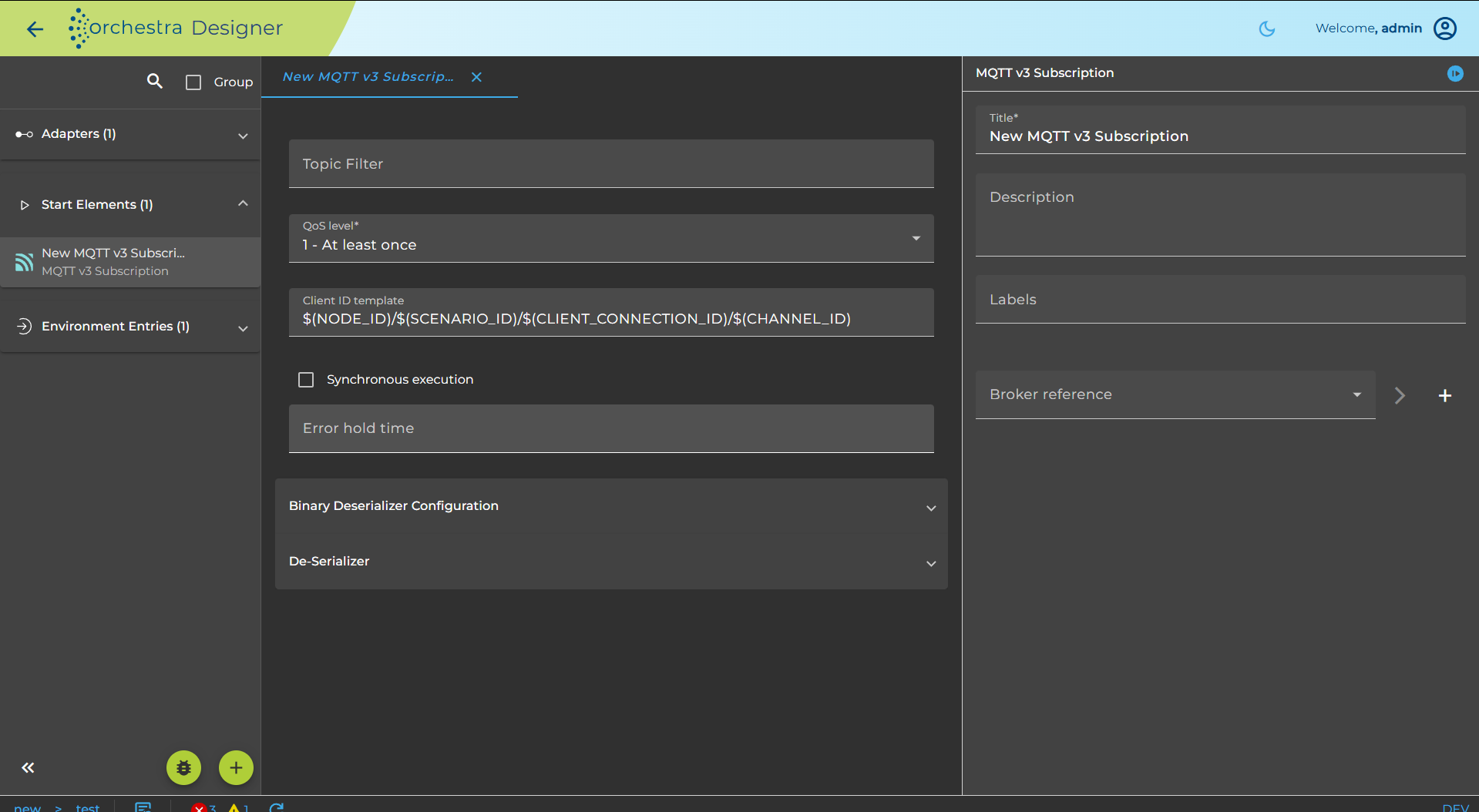
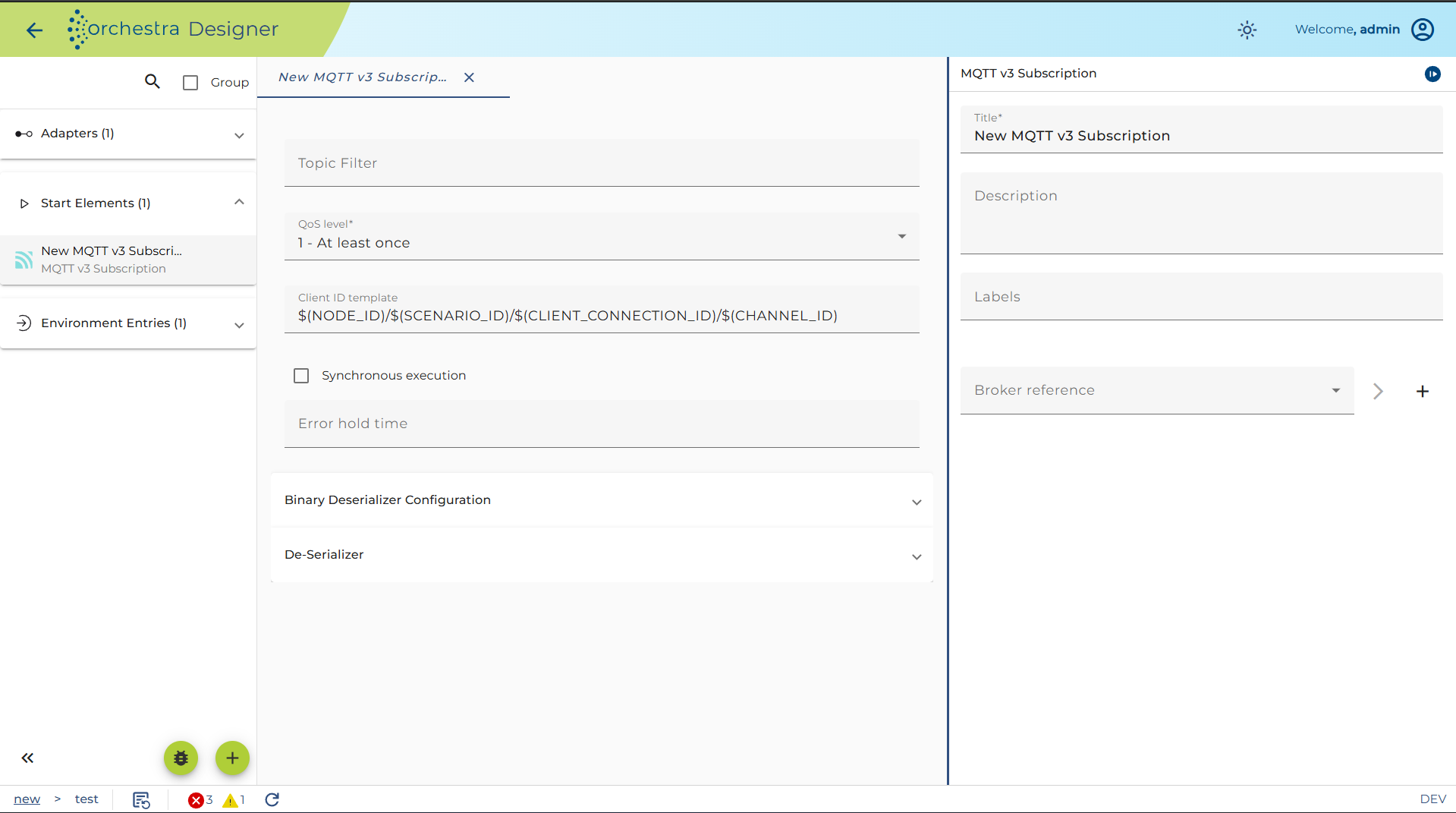
The combo box labeled Broker reference allows selection of one of the existing MQTT V3 Client Configuration Landscape entries.
Alternatively, the + button opens a dialog to create and test a new entry.
In the Deserialization section, a message type and the reader for the desired format (for example, XML) can be selected.
Test an MQTT v3 Subscriber
You may test the MQTT v3 Subscriber Start element like every other inbound channel.
If the channel is configured, the user can test its functionality by clicking on the test symbol in the toolbar of the Designer.
Then a dialog opens showing the parameters of the channel. Set the required parameters and click the Test button to send the mail.
The Logging and State tabs display the log entries of the channel invocation and the current channel state, respectively.